


 Email:

Resolving malfunctions in a membrane keypad (or membrane switch keypad) depends on the specific issue. Membrane keyboards use layered plastic films with conductive traces and (often) metal domes for tactile feedback. They are generally less repairable than mechanical keyboards but many common problems can be fixed with cleaning, basic tools, or targeted repairs.
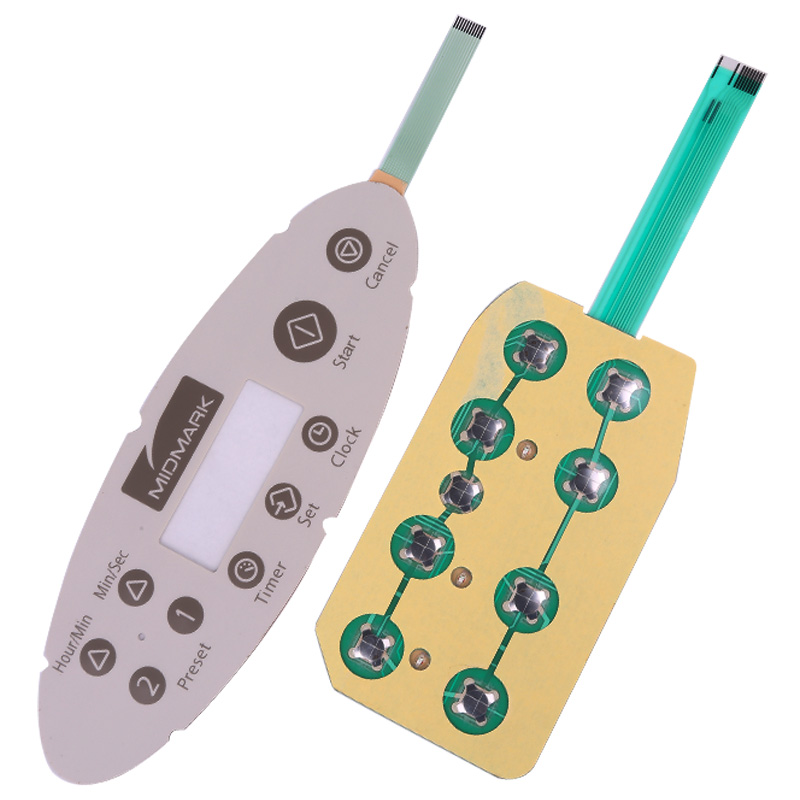
1. Identify the Problem FirstTest keys: Use an online keyboard tester to pinpoint unresponsive, sticking, ghosting (multiple keys), or repeating keys.
Common causes: Dust/debris, spills, worn contacts/domes, broken traces (silver ink circuits), poor connections, or manufacturing wear.
For JCF or similar industrial/custom keypads: Check for panel damage (e.g., PET/PC material issues), dome misalignment, or circuit shorts.
2. Basic Non-Invasive FixesClean externally: Remove panels (if removable), use compressed air, isopropyl alcohol (IPA) on a cloth or cotton swabs. Avoid excess liquid.
Shake/tilt: For minor debris.
Check connections: Unplug/replug the keyboard cable or tail connector. Ensure it's seated properly.
Software check: Update drivers, test on another device, or reset keyboard settings.
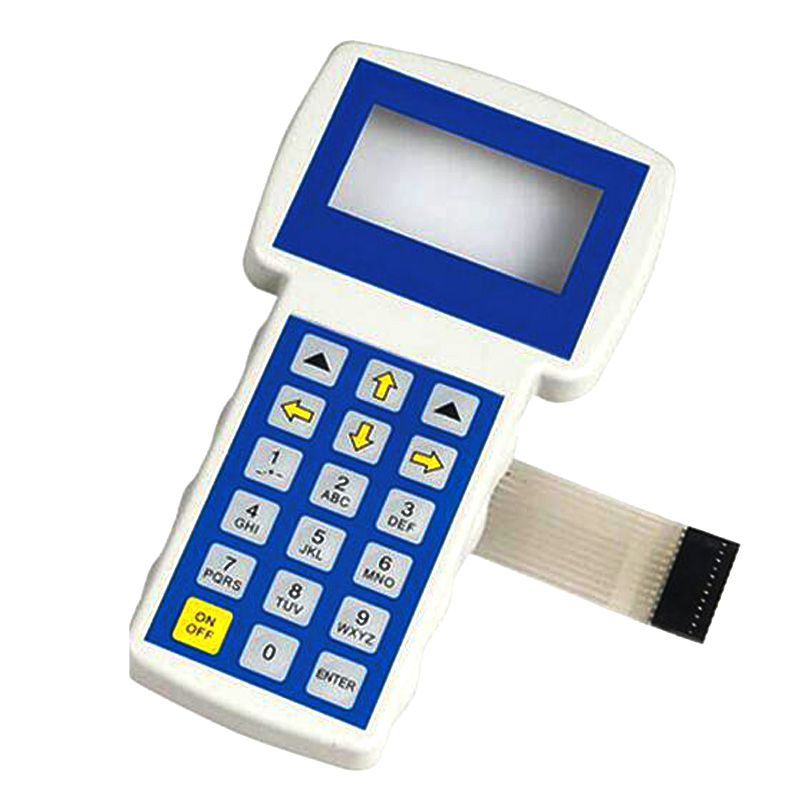
3. Deep Cleaning (Most Common Fix)Many issues (especially after spills or dust buildup) are resolved by disassembly and cleaning.
Power off/unplug the device.
Carefully separate the membrane layers (usually 2-3 thin plastic sheets with printed silver traces).
Clean contacts and traces with isopropyl alcohol (90%+) or electrical contact cleaner. Use a soft cloth or eraser for oxidation. Avoid abrasive materials.
Spill recovery: Act fast—unplug immediately, drain, rinse with distilled water/IPA if sugary liquid, then dry thoroughly (days in some cases).
4. Repairing Specific IssuesNon-working keys / poor contact:Check/clean metal domes (if present)—replace if inverted or damaged.
Use conductive ink/paint or copper tape to repair broken traces (common failure from flexing or age). Test continuity with a multimeter first.
5. When to ReplaceIf traces are extensively damaged, layers are torn, or it's a cheap consumer keyboard, replacement is often cheaper and easier than repair.
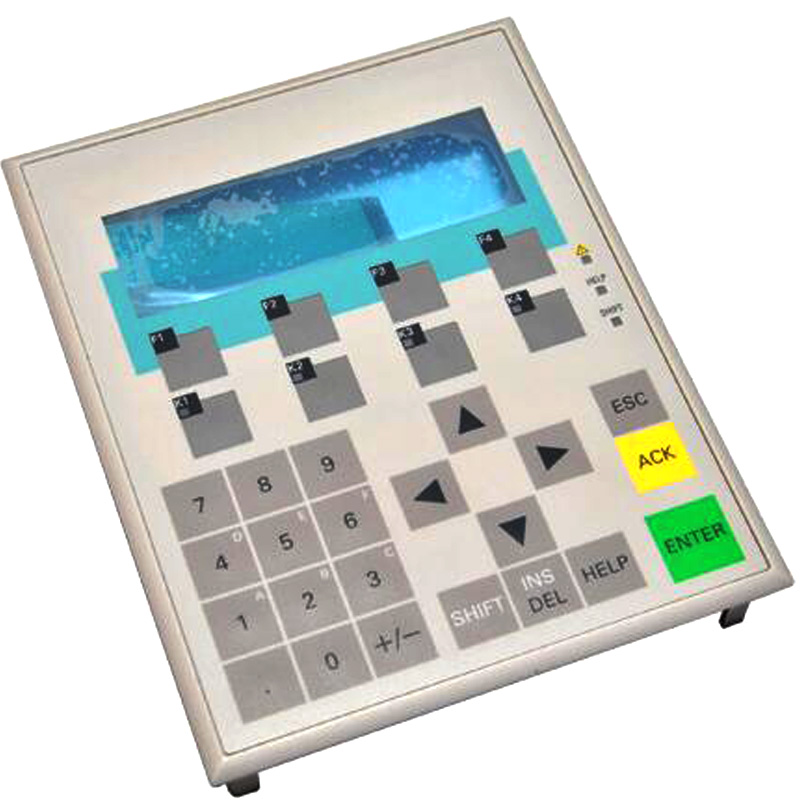
For custom/industrial membrane switches (like JCF technology): Contact the manufacturer for repair services, replacement membranes, or upgraded versions (e.g., better PET material for durability).
More info visit:www.jcftechnology.com