


 Email:

The tactile feel of a membrane switch keypad depends mainly on the switch construction, especially whether a metal dome or other tactile element is used.
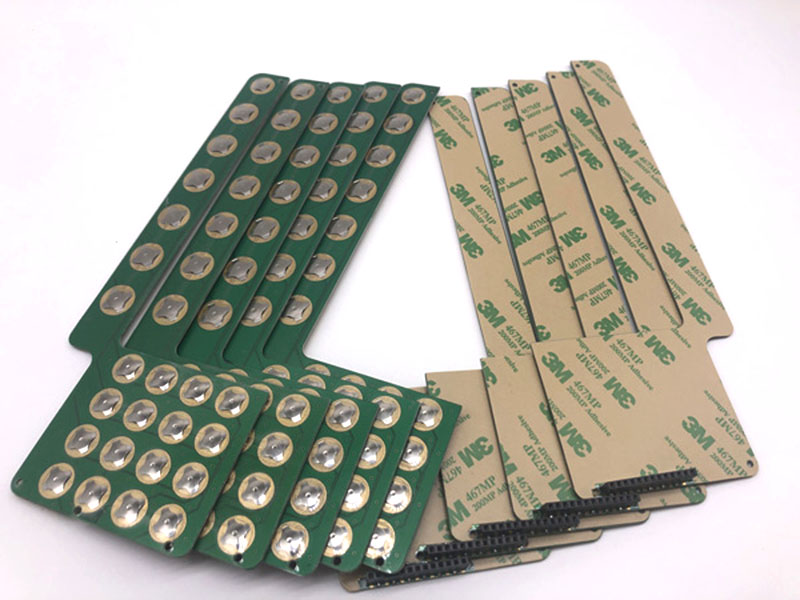
Non-tactile:Tactile feel Smooth, soft, little/no click |Typical application Simple control panels
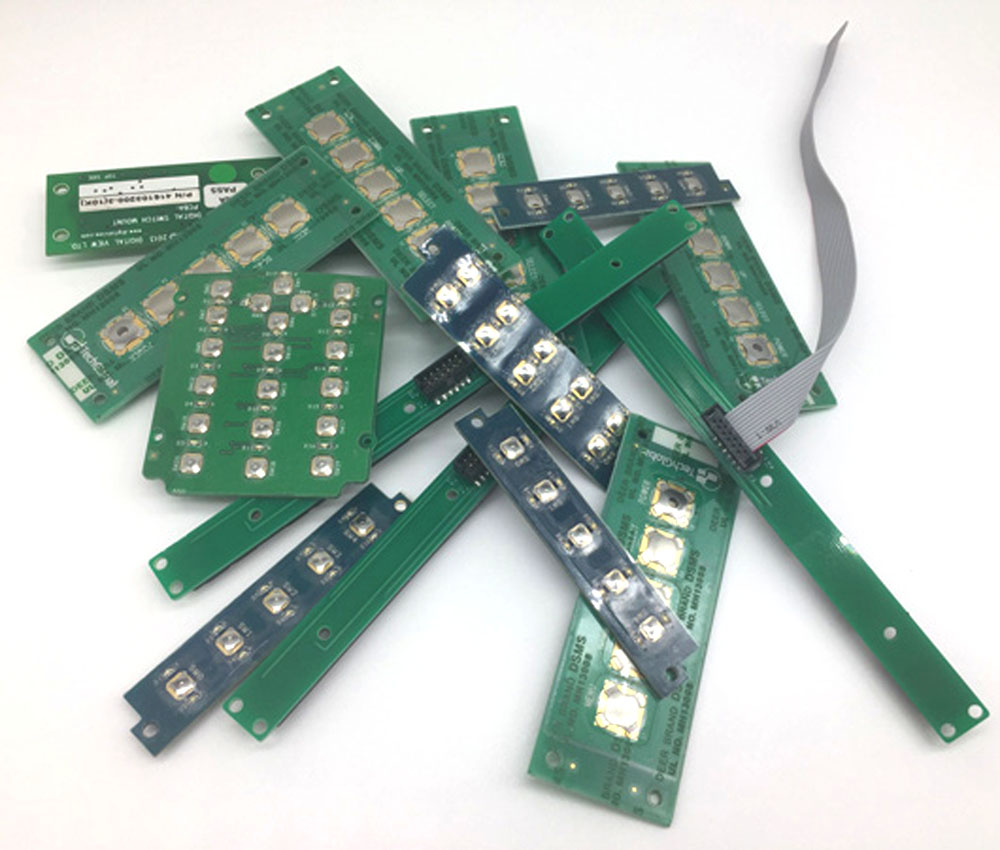
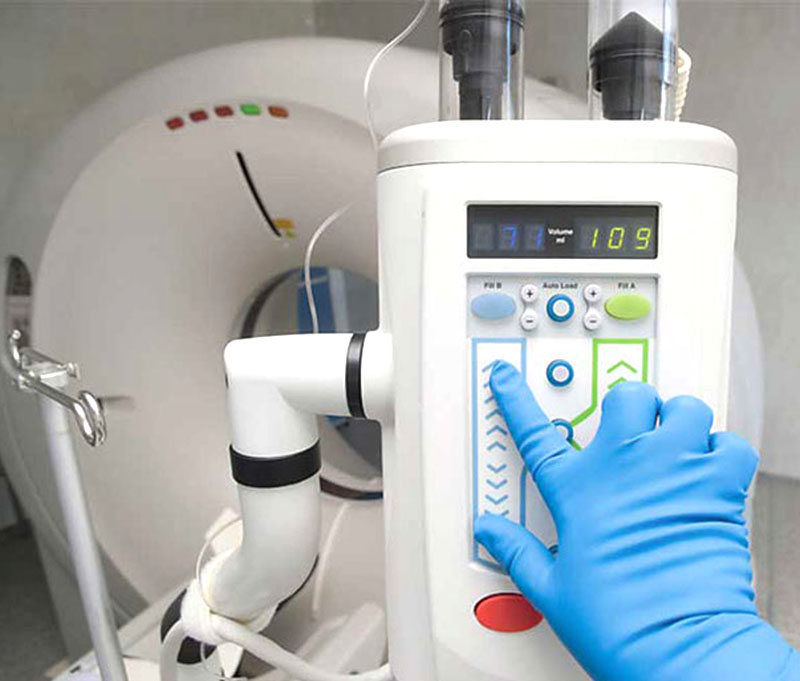
Metal dome tactile:Tactile feel Crisp snap, clear feedback, noticeable “click” |Typical application Industrial equipment, medical devices
Poly dome: Tactile fee Softer, quieter, less crisp |Typical application Consumer products
Embossed key: Tactile feel Slight physical key movement/shape, feedback varies | Typical application Keypads requiring better finger guidance |
Long-travel / soft tactile:Tactile feel Deeper, softer press with gradual resistance | Typical application Equipment where comfort is important
What customers usually mean by “tactile”
A good tactile membrane keypad generally has three stages:
1. Initial resistance → 2. Snap/break → 3. Bottom-out
For a metal dome membrane switch, the user presses against increasing resistance. At a certain force, the dome collapses suddenly, creating a distinct tactile “snap.” This tells the operator that the key has been activated.
The important specifications are usually:
Operating force — e.g. 100–400 gf
Tactile ratio — how much the force drops after the snap
Travel — typically around 0.3–1.0 mm depending on construction
Click/snap feeling — sharp vs. soft
Return force — how quickly the key returns
Sound level — important for medical and office equipment
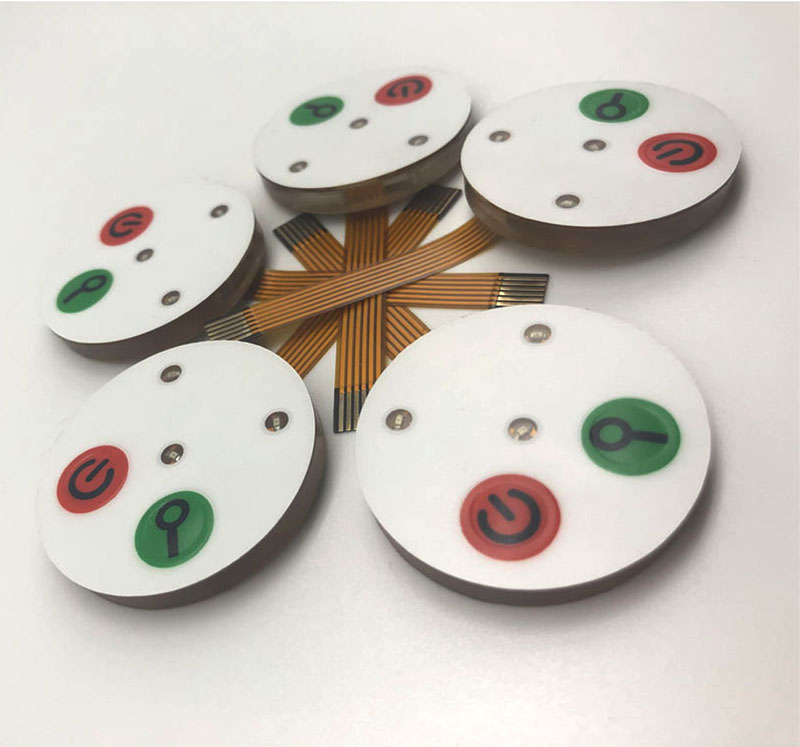
For industrial customers, I would recommend describing the product using terms such as “crisp tactile feedback,” “positive snap action,” “defined actuation force,” and “consistent tactile response.”
More info visit:www.jcftechnology.com